
Complete Beginner’s Guide to VidMate
October 30, 2026 (2 weeks ago)
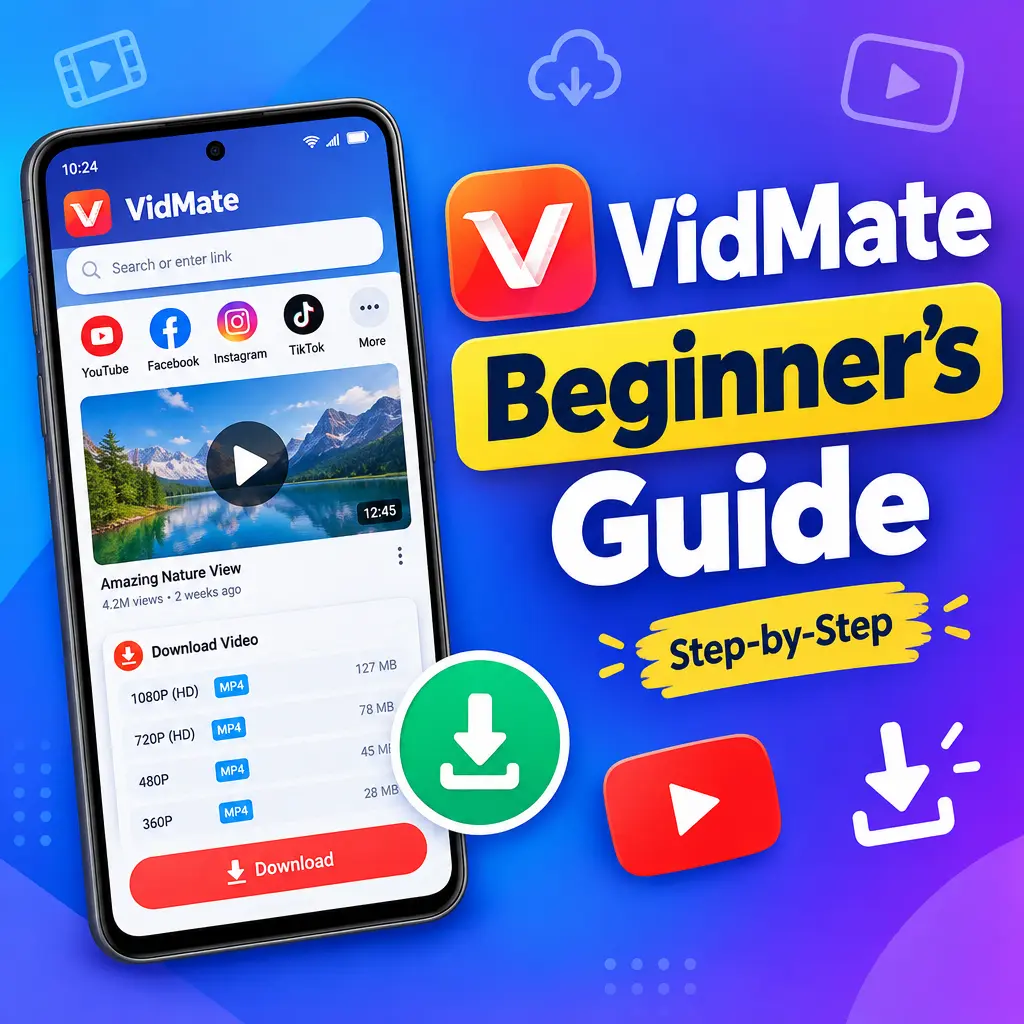
VidMate is a popular Android app that helps you download videos, movies, songs, and other media from many platforms in one place. If you are new to it, the app may look a little busy at first, but it is actually easy to use once you understand the basics. This beginner’s guide will walk you through what VidMate does, how to install the VidMate APK, how to download videos and music, and how to use the app safely and smartly.
What Is VidMate?
VidMate is a media downloading app for Android devices. It allows users to search, stream, and download content from different supported websites and platforms. Instead of opening several apps or websites one by one, you can use VidMate as a single place to find videos, music, and movies.
The main purpose of VidMate is simple: it helps you save media files to your phone so you can watch or listen to them later, even without an internet connection. This is useful when you are traveling, have limited mobile data, or want to keep your favorite songs and videos available offline.
- Download videos in different qualities
- Save music files for offline listening
- Search content from inside the app
- Choose file quality before downloading
- Manage downloaded files in one place
- Access videos, movies, and songs from multiple sources
Before You Install VidMate APK
VidMate is usually downloaded as an APK file because it may not be available on the Google Play Store in some regions. APK stands for Android Package Kit, which is the file format used to install Android apps manually.
Before installing any APK, it is important to be careful. Only download the VidMate APK from a trusted source. Random websites may offer fake or modified files that can harm your device or show too many ads. Always check that the website looks reliable and avoid downloading files from unknown pop-ups.
- Make sure your phone has enough storage space.
- Use a trusted website to download the APK file.
- Scan the file with a security app if possible.
- Read app permissions before installing.
- Keep your Android system updated for better safety.
How to Install VidMate on Android
Installing VidMate APK is simple, but you may need to allow installation from unknown sources first. This setting lets your phone install apps that are not from the Play Store.
- Open your phone’s browser and download the VidMate APK from a trusted source.
- Once the download is complete, tap the APK file.
- If your phone asks for permission, open Settings and allow installation from that browser or file manager.
- Return to the APK file and tap Install.
- Wait for the installation to finish.
- Tap Open to launch VidMate.
After opening the app for the first time, VidMate may ask for permissions such as storage access. Storage permission is needed so the app can save downloaded files on your device. Only allow permissions that make sense for the app’s function.
Getting Familiar with the VidMate Home Screen
When you open VidMate, you will usually see a home screen with a search bar, content categories, and shortcut icons. The layout may change depending on the version, but the basic idea stays the same.
- Search bar: Use this to search for videos, songs, or websites.
- Categories: Browse content such as music, movies, trending videos, and more.
- Download icon: Tap this when you want to save a file.
- Downloads section: View active, paused, completed, or failed downloads.
- Settings: Change download quality, storage location, language, and other preferences.
Spend a few minutes exploring the app before downloading anything. This helps you understand where everything is and makes the process easier later.
How to Download Videos with VidMate
Downloading videos is one of the main features of VidMate. The app usually gives you different quality options, so you can choose between saving storage or getting better video clarity.
- Open VidMate on your Android device.
- Use the search bar to find the video you want.
- Select the video from the results.
- Tap the download button.
- Choose the video quality, such as 360p, 480p, 720p, or higher if available.
- Select the file format if the app gives options.
- Tap Download and wait for the process to complete.
If you have limited storage, choose a lower quality option. If you want a clear picture on a larger screen, higher quality may be better. Keep in mind that high quality files take more space and may take longer to download.
How to Download Music with VidMate
VidMate can also help you download music and audio files. Many users like this feature because it allows them to listen to songs offline without using mobile data again and again.
- Search for a song, artist, or album using the search bar.
- Open the result that matches what you want.
- Tap the download option.
- Choose an audio format if available, such as MP3.
- Select the quality you prefer.
- Start the download and wait until it is saved.
After downloading, you can usually find your music inside the VidMate downloads section or in your phone’s file manager. Some music player apps may also detect the file automatically.
Managing Your Downloads
VidMate includes a download manager that helps you keep track of your files. This is useful if you download multiple videos or songs at the same time.
- Open the Downloads section in VidMate.
- Check the progress of active downloads.
- Pause a download if your internet is slow.
- Resume it later when you have a better connection.
- Open completed files directly from the app.
- Delete files you no longer need to free up storage.
If a download fails, check your internet connection and storage space. Sometimes, restarting the app or choosing a different quality can solve the issue.
Best Settings for Beginners
If you are using VidMate for the first time, a few simple settings can improve your experience. You do not need to change everything. Just adjust the options that matter most.
- Download location: Choose where files should be saved, such as internal storage or SD card.
- Video quality: Set a default quality if you download often.
- Wi-Fi only downloads: Turn this on if you want to save mobile data.
- Notifications: Enable alerts so you know when downloads are complete.
- Language: Select your preferred language for easier navigation.
Using Wi-Fi for large downloads is strongly recommended. Videos and movies can use a lot of data, especially in high quality.
Safety and Legal Tips
VidMate is a powerful tool, but it should be used responsibly. Not every video or song is free to download. Some content may be protected by copyright or platform rules. Always respect the rights of creators and only download content that you are allowed to save for offline use.
- Do not download copyrighted movies, music, or videos without permission.
- Use the app for personal and legal offline viewing.
- Avoid suspicious ads, pop-ups, or fake download buttons.
- Keep the app updated from a trusted source.
- Do not share downloaded files illegally.
Also, be careful with APK updates. If VidMate asks you to update, make sure the update comes from a reliable source. Installing random APK files can put your data and device at risk.
Common Beginner Mistakes to Avoid
New users often make small mistakes that can lead to storage problems, slow downloads, or confusion. Avoiding these mistakes will make VidMate easier to use.
- Downloading videos in very high quality when your phone storage is low
- Using mobile data for large movie downloads
- Installing VidMate APK from unsafe websites
- Ignoring app permissions during installation
- Not checking the download folder after saving files
- Keeping too many old files and filling up the device
A good habit is to clean your downloads folder regularly. Delete videos and songs you no longer need. This keeps your phone running smoothly and gives you space for new files.
Final Thoughts
VidMate can be a useful app for beginners who want a simple way to download videos, movies, and music from multiple platforms in one place. Once you learn how to install the VidMate APK, search for content, choose quality, and manage downloads, the app becomes very easy to use.
The key is to use VidMate safely and responsibly. Download only from trusted sources, respect copyright rules, and manage your storage carefully. With the right approach, VidMate can help you enjoy your favorite media offline whenever you need it.
Recommended For You