How to Get the Most Out of VidMate
October 23, 2026 (3 weeks ago)

VidMate is a handy app for people who like to save videos, movies, and music from different platforms in one place. Instead of switching between many apps or websites, you can use VidMate APK to search, stream, and download content quickly. But many users only use the basic download button and miss out on the smaller features that make the app more useful. With the right tips and tricks, you can save storage, improve download speed, organize files better, and enjoy a smoother viewing experience.
Choose the Right Video Quality
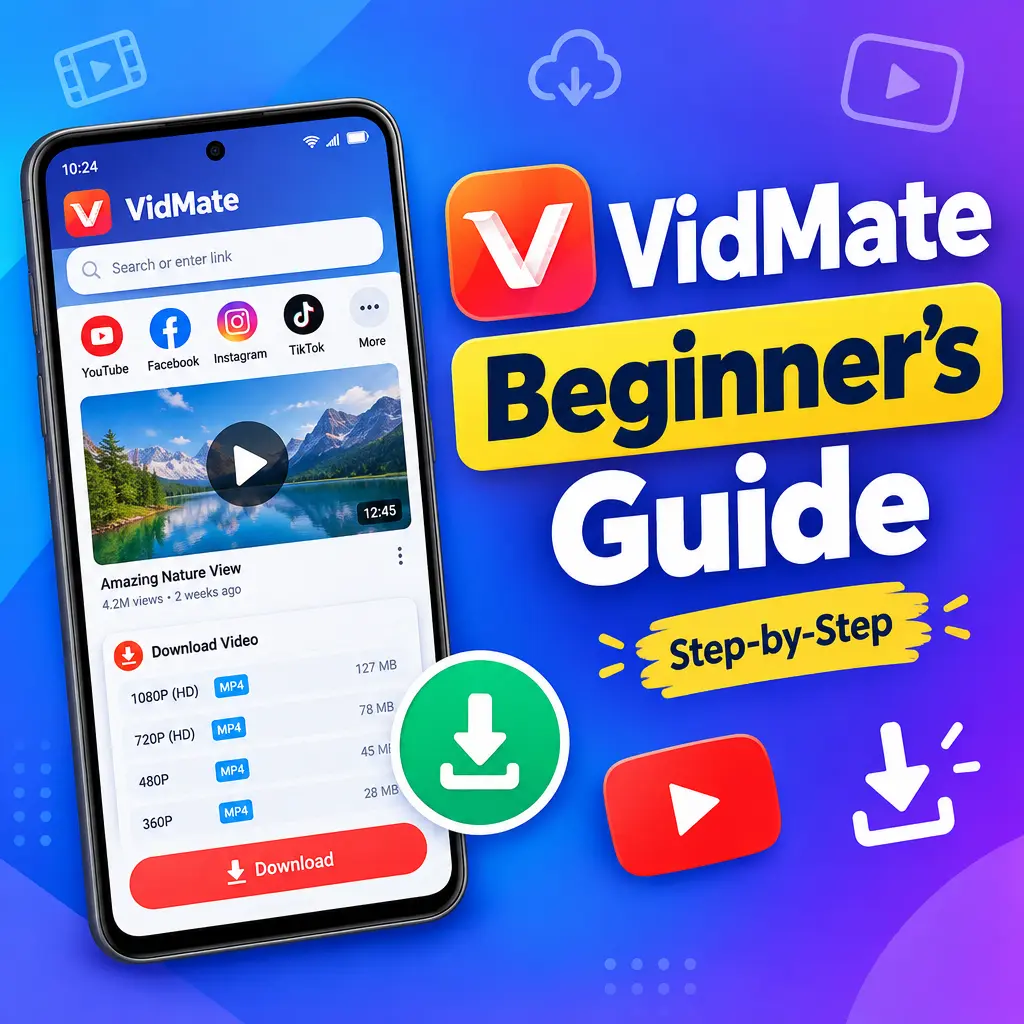
One of the best things about VidMate is that it usually gives you different quality options before downloading a video. This helps you control file size and video clarity. If you always choose the highest quality, your phone storage can fill up fast. On the other hand, very low quality may not look good, especially on a larger screen.
- Choose 360p or 480p if you want to save mobile data and storage.
- Choose 720p for a good balance between quality and file size.
- Choose 1080p or higher only when you really need sharp video quality.
- For music videos, consider downloading only the audio if you do not need the visuals.
A smart habit is to check how much storage you have before downloading long movies or HD videos. This avoids failed downloads and phone performance issues.
Use the Built-In Search Feature
VidMate makes it easy to search for videos, songs, and movies directly inside the app. This can save time because you do not need to open different platforms separately. Type the name of the video, artist, movie, or song in the search bar, then browse the results.
- Open VidMate and tap the search bar.
- Enter a clear keyword, such as the song title or movie name.
- Check the results carefully before downloading.
- Select the quality or format you prefer.
To get better results, use specific search terms. For example, instead of typing “new song,” type the artist name and song title. This helps you find the right file faster and avoid downloading the wrong content.
Download Music in Audio Format
If you mainly want to listen to music, downloading full videos is not always necessary. VidMate lets you save many videos as audio files, depending on the source. This is useful when you want songs, podcasts, interviews, or speeches without taking up too much space.
- Audio files use less storage than video files.
- They are easier to play in the background.
- They save battery because your screen does not need to stay on.
- They are better for playlists and offline listening.
Before downloading audio, check the format and quality. A higher bitrate usually sounds better, but it also creates a larger file. If you use earphones often, choose a medium or high audio quality for a better listening experience.
Manage Your Downloads Properly
When you download many videos and songs, your files can become messy. VidMate has a download section where you can track active, completed, and failed downloads. Keeping this area organized helps you find files faster and remove anything you no longer need.
- Check your completed downloads regularly.
- Delete duplicate files or videos you have already watched.
- Pause large downloads when your internet connection is weak.
- Resume downloads later when you have a stable connection.
- Move important files to folders so they are easier to find.
This simple habit can make a big difference, especially if your phone has limited storage. It also helps VidMate run more smoothly because the app does not have to handle too many unnecessary files.
Use Wi-Fi for Large Files
Downloading movies, long videos, or HD files can use a lot of mobile data. If your data plan is limited, it is better to use Wi-Fi for bigger downloads. This helps you avoid extra charges and gives you a more stable download speed.
- Use mobile data only for small videos or audio files.
- Connect to Wi-Fi before downloading movies or playlists.
- Keep your phone close to the router for better speed.
- Avoid downloading many large files at the same time on a slow network.
If your internet connection is unstable, download one file at a time. This reduces the chance of failed downloads and makes the process smoother.
Take Advantage of Pause and Resume
The pause and resume feature is one of the most useful tools in VidMate. You do not always need to cancel a download when your internet slows down or when you need to save battery. Just pause the download and continue it later.
- Pause downloads when your battery is low.
- Resume them when your phone is charging.
- Pause large files if you need better internet speed for another task.
- Restart only the downloads that fail repeatedly.
This feature is especially helpful for long videos and movies. Instead of starting from the beginning, you can often continue from where the download stopped.
Keep an Eye on Storage Space
VidMate can quickly fill your phone storage if you download a lot of videos. A full phone may become slow, apps may crash, and new downloads may fail. Before saving large files, check your available space.
- Delete videos after watching them if you do not need them again.
- Move large files to an SD card if your phone supports it.
- Clear unnecessary app cache from time to time.
- Use lighter video quality for casual viewing.
You can also create folders such as Music, Movies, Short Videos, and Tutorials. This makes your media library cleaner and easier to browse.
Update VidMate When Needed
Using an updated version of VidMate APK can improve performance and fix bugs. Newer versions may support more platforms, offer better download stability, and include security improvements. Since VidMate is often installed as an APK, make sure you download updates from a trusted source.
- Check your current app version.
- Look for updates from a reliable source.
- Read the update details before installing.
- Avoid unknown websites that may offer modified or unsafe APK files.
Updating carefully protects your phone and gives you a better app experience. Do not install APK files from random pop-ups or suspicious links.
Use VidMate Responsibly
VidMate gives users a simple way to download content, but it is important to use it responsibly. Only download videos, music, or movies when you have permission or when the content is free to save. Respect the rules of the platforms you use and avoid sharing copyrighted files without permission.
- Download personal, educational, or free content whenever possible.
- Respect creator rights and platform terms.
- Do not reupload someone else’s content as your own.
- Support artists, filmmakers, and creators through official channels when you can.
This keeps your usage safe and fair while still letting you enjoy the benefits of offline access.
Improve Battery Life While Downloading
Downloading large files can drain your battery, especially if the screen stays on or multiple downloads run together. A few simple habits can help you save power while using VidMate.
- Lower your screen brightness during downloads.
- Close other apps running in the background.
- Download while your phone is charging if the file is very large.
- Use Wi-Fi instead of mobile data when possible because it often uses less power.
You can also avoid using heavy apps, such as games, while downloading. This helps VidMate work faster and keeps your phone from heating up.
Final Tips for a Better VidMate Experience
To get the most out of VidMate, think beyond just downloading files. Choose the right quality, save audio when video is not needed, manage your storage, and use Wi-Fi for large downloads. Keep the app updated, organize your media, and use pause and resume when your connection is weak.
- Search with clear keywords to find content faster.
- Download in lower quality when storage is limited.
- Save music as audio to reduce file size.
- Clean your downloads folder regularly.
- Use trusted sources for VidMate APK updates.
VidMate can be a powerful all-in-one tool for videos, movies, and music when used wisely. With these tips and tricks, you can enjoy faster downloads, better organization, less storage stress, and a smoother offline entertainment experience.
Recommended For You